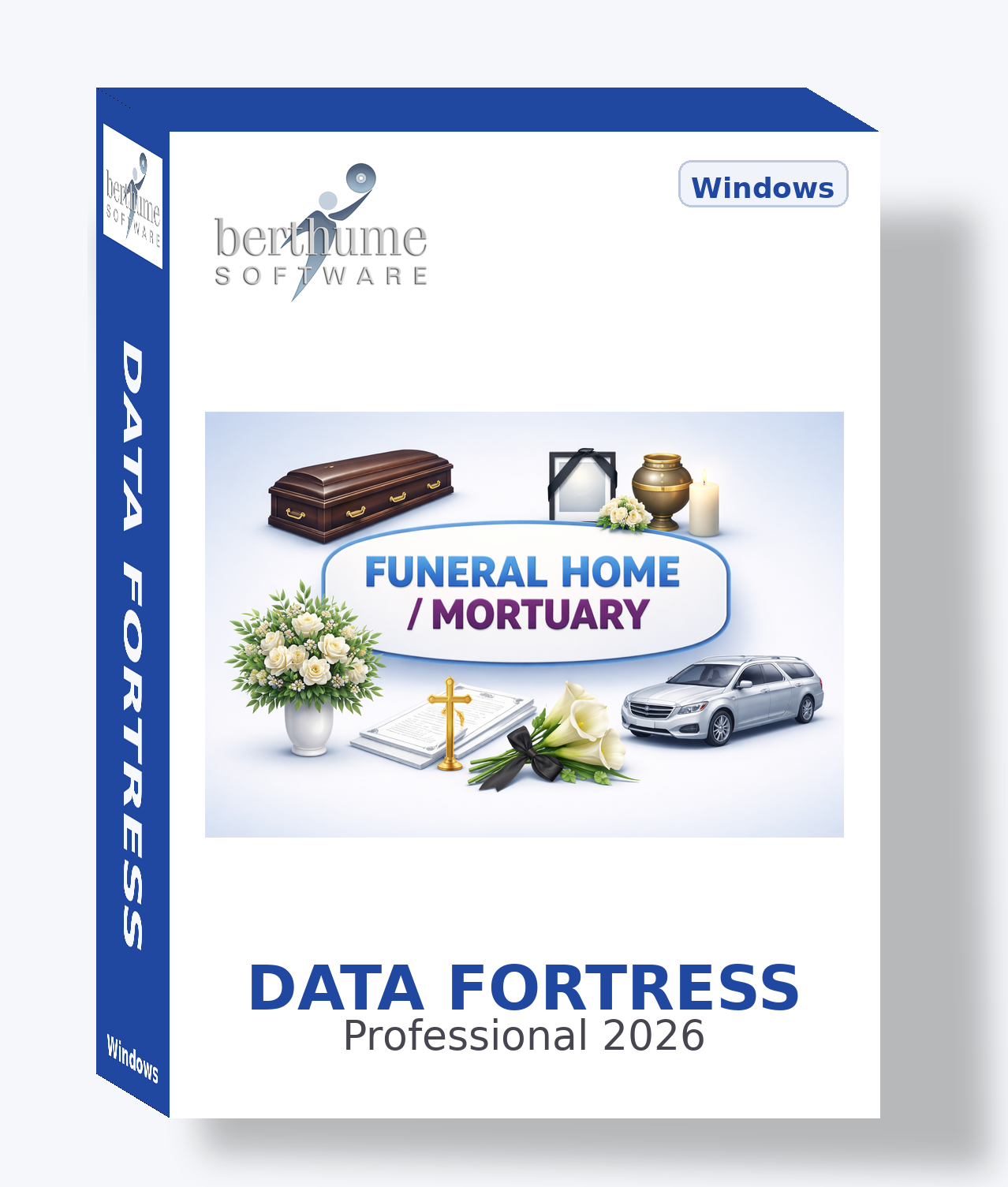
🏛 Funeral Home and Mortuary Collection
Comprehensive information management for funeral homes, mortuaries, and cremation service providers — from first call through aftercare.
Template Details
| Template | Purpose | Features |
|---|---|---|
| Deceased Records ACTIVE | Track comprehensive records for each deceased individual including personal details, cause of death, next of kin, and... | Contacts DirectoryAction LogAttachmentsImage2 File Attachments |
| Funeral Services ACTIVE | Plan and manage funeral service details including ceremony type, venue, officiant, music selections, and scheduling f... | Deceased LookupAction LogList TabAttachments1 File AttachmentCalendar |
| Pre-Need Arrangements ACTIVE | Manage pre-planned funeral arrangements including service preferences, merchandise selections, payment plans, and tru... | Contact: ClientTransactionsAttachments2 File AttachmentsCalendar |
| Embalming Records ACTIVE | Document embalming procedures including chemicals used, techniques applied, condition assessments, and regulatory com... | Deceased LookupAttachments1 File Attachment |
| Cremation Records ACTIVE | Track cremation cases including authorization, scheduling, retort assignment, and chain of custody documentation. | Deceased LookupAction LogAttachments2 File AttachmentsCalendar |
| Burial Records ACTIVE | Document burial arrangements including cemetery, plot location, vault details, and interment scheduling. | Contact: Cemetery ContactDeceased LookupAction Log2 File AttachmentsCalendar |
| Transportation Log ACTIVE | Track all transportation activities including first calls, transfers, processions, and vehicle assignments. | Deceased LookupAction LogCalendar |
| Death Certificates ACTIVE | Track death certificate processing including filing status, certified copy requests, and distribution to family and i... | Deceased LookupAction Log1 File Attachment |
| Government Forms ACTIVE | Track required government permits, forms, and regulatory filings for each case including burial permits, transit perm... | Deceased LookupList TabAttachmentsCalendar |
| Caskets and Merchandise ACTIVE | Manage casket and merchandise inventory including models, pricing, supplier information, and stock levels. | Contact: SupplierImageURLs |
| Urns and Keepsakes ADVANCED | Track cremation urns, keepsake urns, jewelry, and memorial products with pricing, inventory, and supplier details. | Contact: SupplierImage |
| Floral Arrangements ADVANCED | Track floral orders for services including arrangement type, florist, delivery scheduling, and sender information. | Deceased LookupCalendar |
| Monuments and Markers ADVANCED | Manage monument and grave marker orders including inscription details, vendor coordination, and installation tracking. | Contact: VendorDeceased LookupAction LogAttachmentsCalendar |
| Clergy and Officiants ACTIVE | Maintain a directory of clergy, celebrants, and officiants available for funeral and memorial services. | Contacts Directory |
| Staff Directory ACTIVE | Manage funeral home staff information including roles, certifications, licensing, and contact details. | Contact: EmployeeAction LogAttachmentsImageCalendar |
| Suppliers and Vendors ACTIVE | Maintain a directory of all suppliers and vendors including casket companies, chemical suppliers, printing services, ... | Contact: Vendor ContactTransactionsURLs |
| Billing and Accounts ACTIVE | Track case billing including itemized charges, payments received, insurance assignments, and outstanding balances for... | Deceased LookupTransactionsAttachments2 File AttachmentsCalendar |
| Insurance Claims ACTIVE | Track life insurance claim processing including policy details, claim status, assignment forms, and payment tracking. | Contact: Insurance CompanyDeceased LookupAction LogAttachments2 File AttachmentsCalendar |
| Trust Accounts ADVANCED | Manage pre-need trust fund accounts including deposits, interest accrual, regulatory reporting, and fund disbursement. | Contact: Financial InstTransactions1 File AttachmentCalendar |
| General Price List ACTIVE | Maintain the funeral home's FTC-required General Price List including all service and merchandise items with current ... | |
| Obituaries ACTIVE | Draft and manage obituaries including publication scheduling, newspaper selections, online postings, and family appro... | Deceased LookupAction LogURLsCalendar |
| Aftercare Follow-Up ACTIVE | Track post-service follow-up activities with bereaved families including check-in calls, grief resource referrals, an... | Deceased LookupAction LogCalendar |
| Reception and Catering ADVANCED | Coordinate post-service receptions including venue, catering, guest count, and setup requirements. | Contact: CatererDeceased LookupList TabCalendar |
| Music and Readings ADVANCED | Maintain a library of music selections, scripture readings, poems, and other ceremony elements for funeral planning. | Attachments |
| Guest Register ADVANCED | Track attendance and condolence messages from visitation and service guest books for family keepsake and follow-up pu... | Contacts DirectoryDeceased Lookup |
| Grief Support Resources ADVANCED | Catalog grief support resources including counselors, support groups, books, and community programs available for ber... | Contact: ProviderURLs |
| Community Outreach ADVANCED | Track community outreach and marketing activities including events, sponsorships, educational seminars, and public re... | Action LogCalendar |
| Facility Maintenance ADVANCED | Track maintenance and upkeep of funeral home facilities including chapels, preparation rooms, vehicles, and equipment. | Action LogTransactionsCalendar |
| Compliance and Licensing ADVANCED | Track regulatory compliance requirements including state licenses, OSHA records, FTC compliance, and inspection sched... | Action LogAttachments2 File AttachmentsCalendar |
| Complaints and Feedback ADVANCED | Document family feedback, compliments, and complaints including resolution tracking and quality improvement actions. | Deceased LookupAction LogCalendar |
Template Relationships
The Deceased Records template is the central hub. Other templates link to it via Contact Lookup, creating a complete case file for each individual.
Additionally, Clergy and Officiants and Guest Register maintain their own contacts directories. Use the Related Information feature to create ad-hoc links between any records across templates.
Activation Strategy
● Active Templates
- Deceased Records
- Funeral Services
- Pre-Need Arrangements
- Embalming Records
- Cremation Records
- Burial Records
- Transportation Log
- Death Certificates
- Government Forms
- Caskets and Merchandise
- Clergy and Officiants
- Staff Directory
- Suppliers and Vendors
- Billing and Accounts
- Insurance Claims
- General Price List
- Obituaries
- Aftercare Follow-Up
● Advanced Templates
- Urns and Keepsakes
- Floral Arrangements
- Monuments and Markers
- Trust Accounts
- Reception and Catering
- Music and Readings
- Guest Register
- Grief Support Resources
- Community Outreach
- Facility Maintenance
- Compliance and Licensing
- Complaints and Feedback
To activate: Open Template Manager → find the template → uncheck the Inactive checkbox.
Getting Started
Import the Collection
Load the Funeral Home and Mortuary collection into Data Fortress. All active templates will appear on their assigned menus.
Set Up Your General Price List
Enter your current GPL items with pricing. This is your foundation for accurate billing during arrangement conferences.
Create Your First Deceased Record
Open Deceased Records and enter case information. Add family members to the Contacts tab. This becomes the hub for all related records.
Build the Case File
Create linked Funeral Services, Embalming, Cremation, or Burial records as needed. Each links back to the Deceased Record via Contact Lookup.
Track Billing and Insurance
Use Billing and Accounts to record charges and payments. Create Insurance Claims records for assigned policies.
Explore and Expand
Populate Staff Directory and Suppliers. Activate advanced templates for trust accounts, compliance, and community outreach as your needs grow.
Pro Tips
Use Related Information to link any record to any other — connect a Billing record to a Funeral Service, or an Insurance Claim to a Cremation Record.
Service dates, cremation schedules, interment dates, and follow-up reminders all appear on the unified calendar for at-a-glance scheduling.
Billing, Pre-Need, Trust Accounts, and Supplier templates all have transaction logs for complete financial audit trails.
Use the List Tab on Funeral Services for the order of service, Government Forms for required filings, and Reception for menu items.
Protect sensitive case records with optional passwords on individual information records. Ideal for confidential case details and financial information.
Use hashtags like #CREMATION, #VETERAN, #PRENEED on any record. Deep Search finds them instantly across all templates.
Make It Your Own
This collection is a professionally designed starting point, not a locked system. Every funeral home operates differently — Data Fortress adapts to you.
✚ CREATE
Build your own templates from scratch for anything not covered — marketing campaigns, staff scheduling, vehicle logs, or custom checklists.
✎ MODIFY
Fine-tune any template: change field labels, enable or disable features, update purpose text, reassign menus — whatever fits your workflow.
✖ REMOVE
Delete templates you don’t need, or simply toggle them to Inactive to hide them from menus and browse views without losing the design.
⤴ EXPAND
Combine templates from multiple collections or mix collection templates with your own custom creations for a system that’s uniquely yours.
Your Business Journey
This collection grows with you whether you’re launching a new funeral home or running an established multi-generation operation.
LAUNCH
You’re new to funeral service or opening your first location. These templates teach you what records to keep and how funeral professionals organize their work. Get productive immediately at minimal cost with no subscription fees.
GROW
As your funeral home matures, customize templates to match your evolving workflow. Activate advanced templates for trust accounts, compliance, and outreach when you’re ready. Data Fortress scales with you without pressure to upgrade or migrate.
EVOLVE
When you adopt funeral-specific software, Data Fortress fills the gaps. Keep using templates for everything your new software doesn’t cover — vendor management, compliance, staff credentials, grief resources, and more.